Exam Tips
Deutschmeister Platform Updates – 5 July 2026
Discover the latest Deutschmeister updates, including automated test launch, improved navigation, token balance visibility, and advanced test history filters to enhance your German learning experience.
admin
7 min Read min read
1,259 views
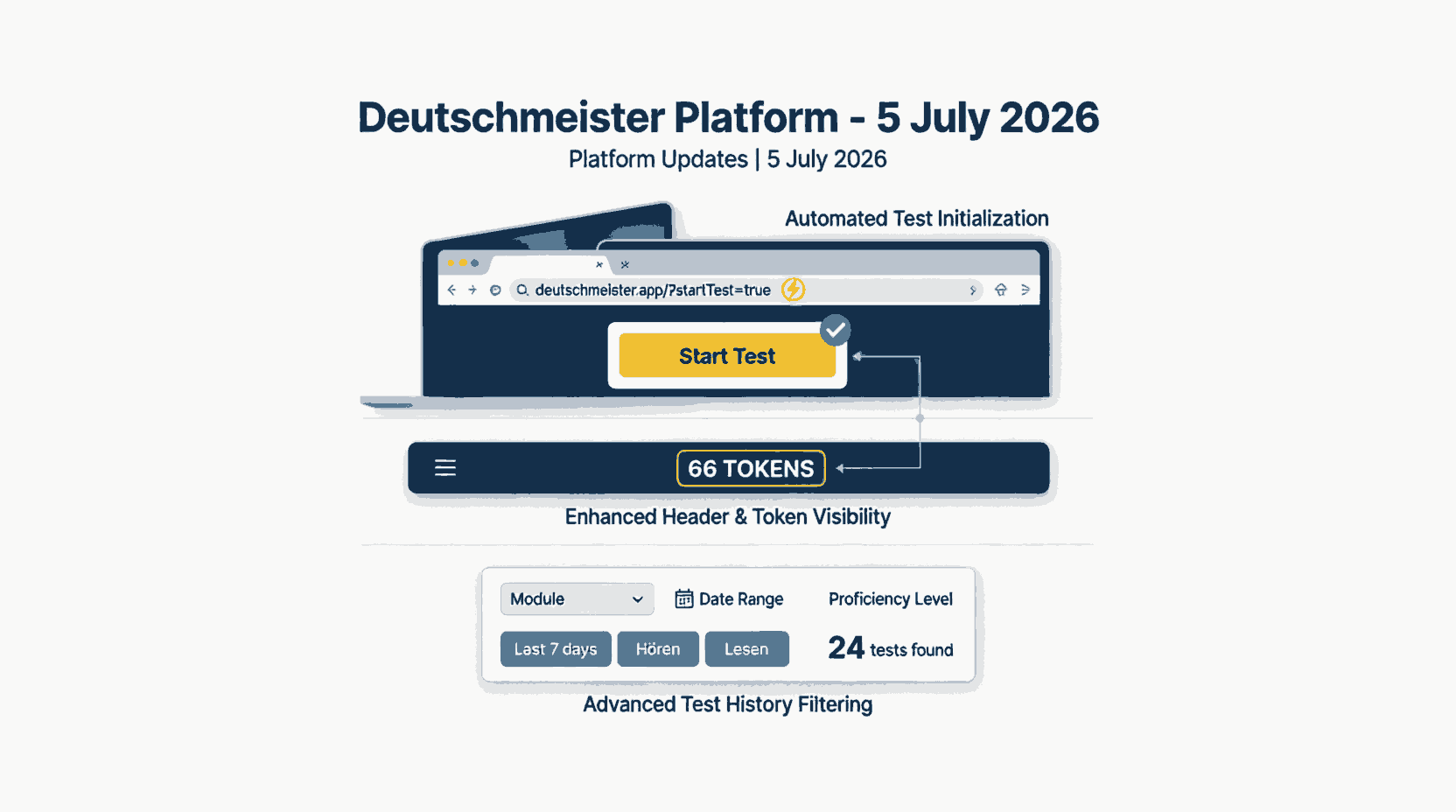
We are pleased to announce the latest updates to the Deutschmeister platform. This release focuses on optimizing user workflows, improving interface clarity, and providing more robust tools for tracking academic progress.
1. Automated Test Initialization
The "Start Test" modal will now automatically open whenever the URL contains the
startTest=true
query parameter.
Previous Behavior: Users were required to manually trigger the modal, even when accessing a deep link.
Improvement: The application now detects the parameter and immediately renders the modal. This streamlines the user experience for deep-linking workflows, allowing learners to begin their assessments directly from external links, emails, or study plans.
Example URL:
https://deutschmeister.app/?startTest=true
2. Enhanced Header and Token Visibility
The top navigation header has been redesigned to improve clarity and provide immediate access to essential account information.
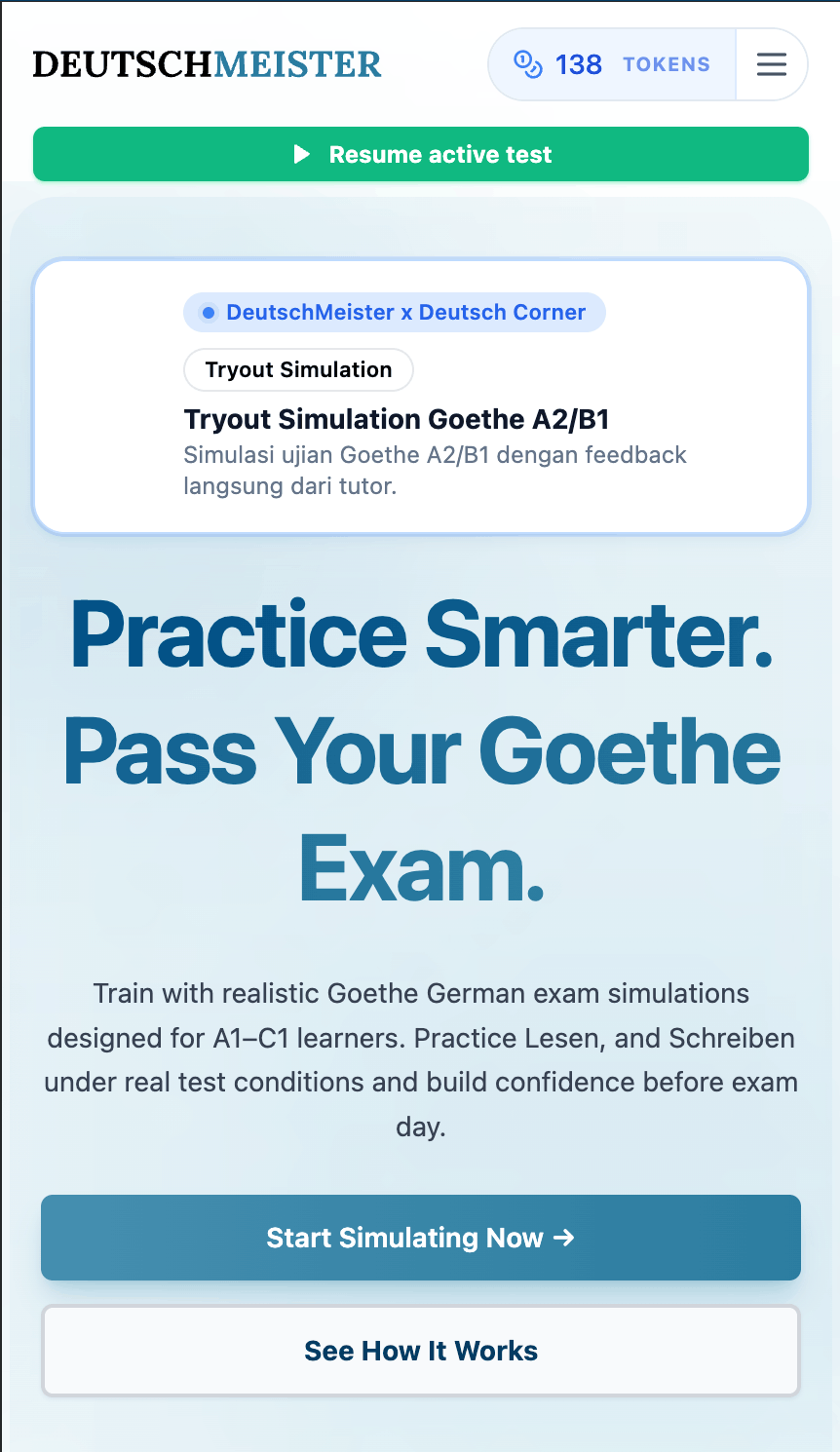
- Token Balance Display: A dedicated indicator now displays the learner's current token balance (e.g., "66 TOKENS") at all times, eliminating the need to navigate to account settings to check available simulations.
- Streamlined Navigation: A simplified hamburger menu icon has been introduced to maintain a clean interface while ensuring all navigation options remain accessible.
3. Comprehensive Test History Filtering
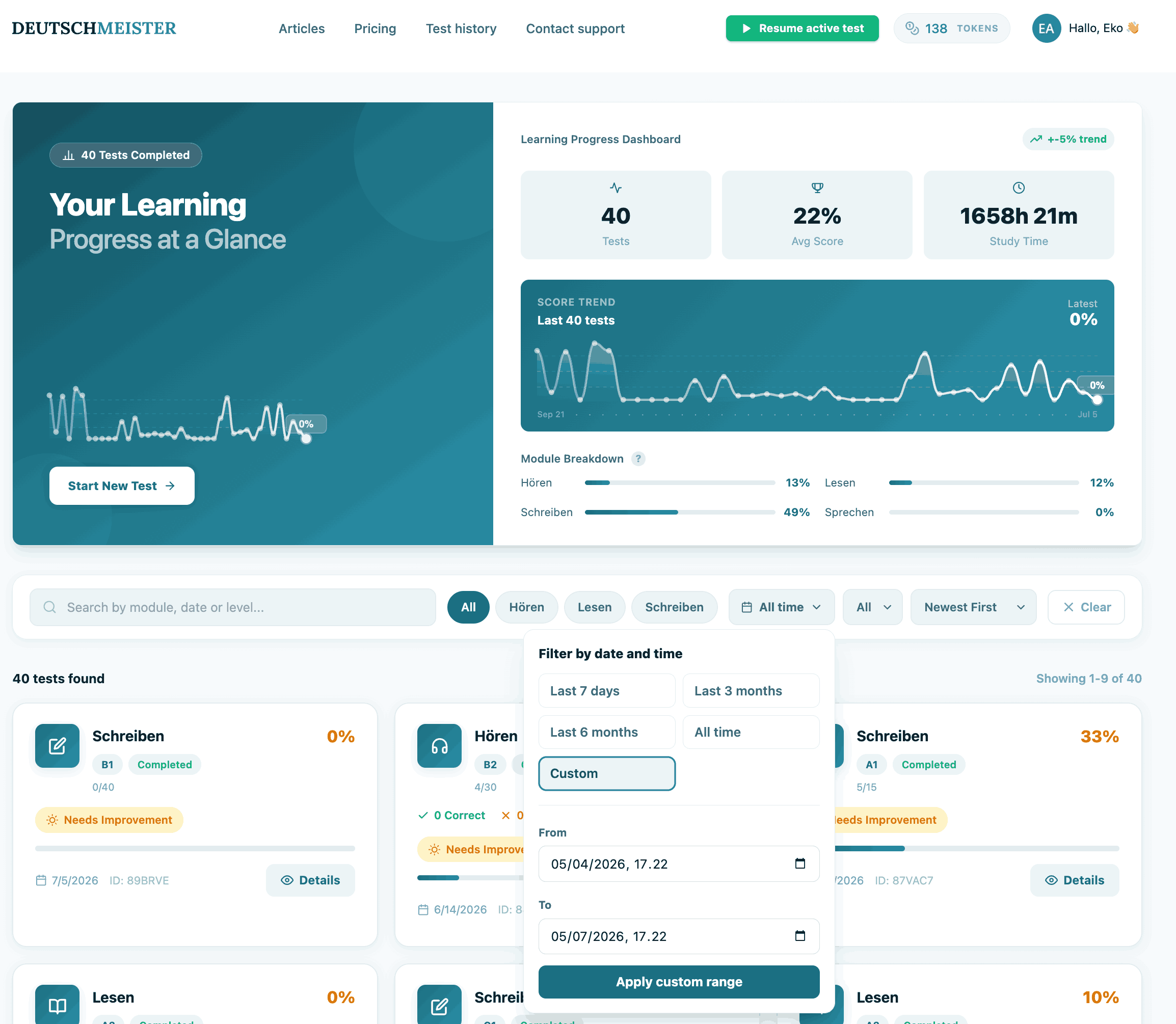
A new advanced filtering system has been implemented on the Exam/Test history page, enabling users to efficiently locate and analyze past assessments.
Users can now refine their results using the following parameters:
- Text Search: Query by module, date, or proficiency level.
- Module Filter: Isolate results by specific skills (e.g., Hören, Lesen, Schreiben).
- Date Range Selection: Choose from preset periods (Last 7 days, 3 months, 6 months, All time) or configure a custom date and time range.
- Dynamic Results: Applying filters instantly updates the dataset, displaying the exact number of tests found and paginating the results accordingly.
This enhancement provides a more powerful and user-friendly interface for reviewing historical performance over specific time windows.
For technical support or feedback regarding these updates, please contact our team.